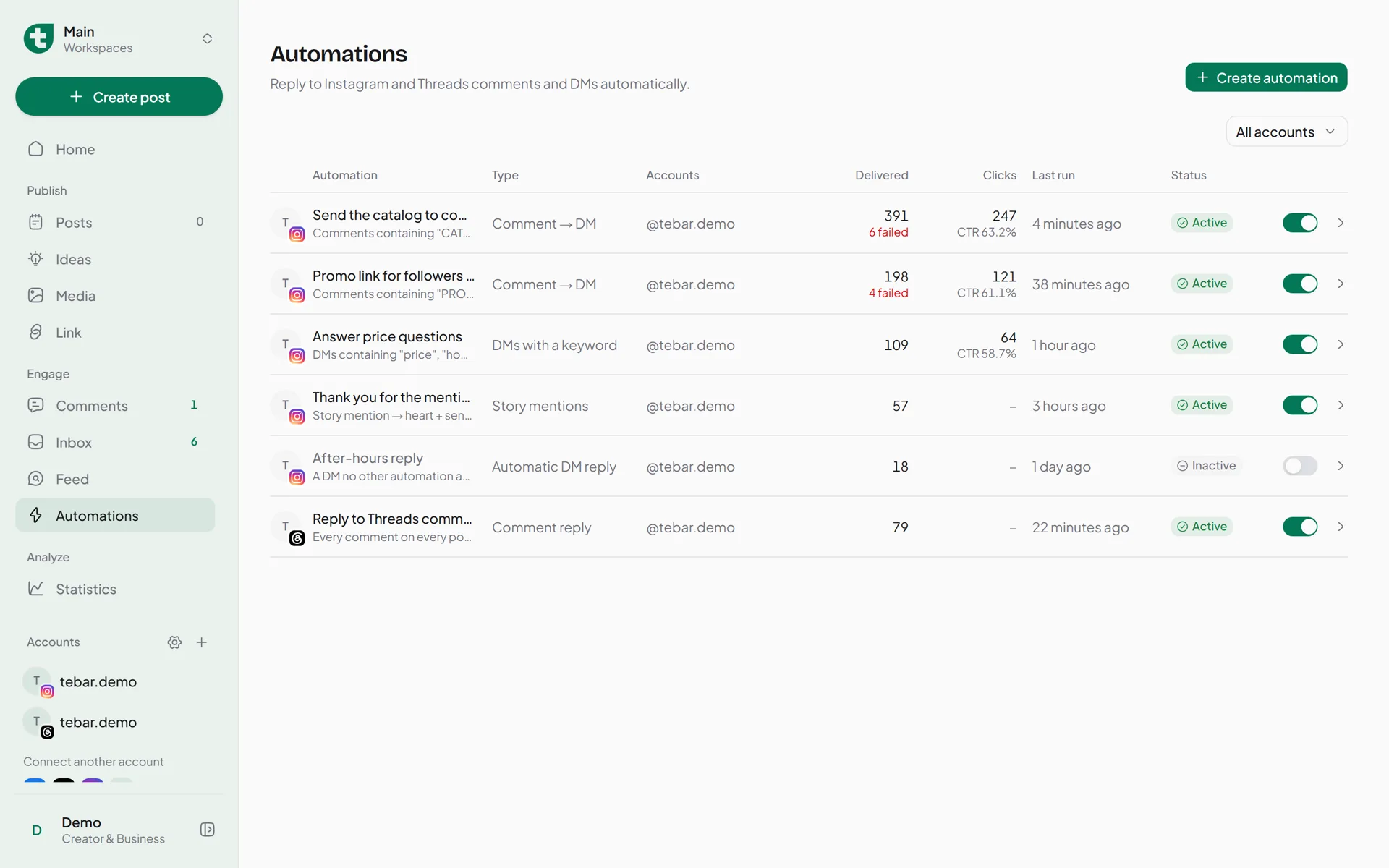
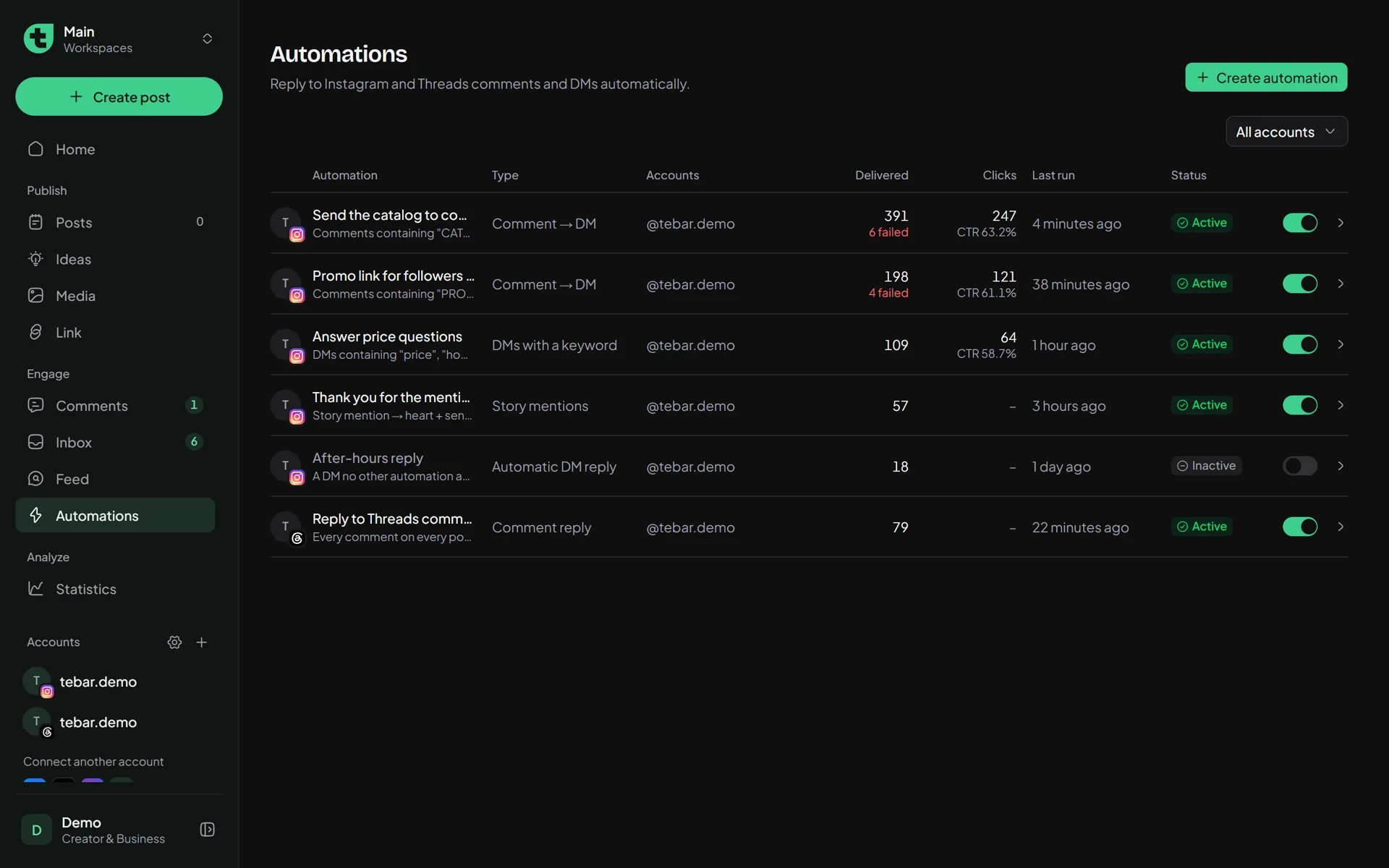
Set up automatic replies to Instagram comments, DMs, and stories. People who comment get the link in their DMs a minute or two later, and your phone stays in your pocket.
Needs an Instagram Business or Creator account. On the Starter, Basic, and Pro plans.
7:02 pm
@demo_user2comments on your post
CATALOG please!
7:03 pm
Tebarreplies to the comment
Sent to your DMs 🙌
7:04 pm
Tebarsends a DM
Hi! Here’s our catalog. Tap the button below
Open catalog
7:09 pm
@demo_user2opens the link
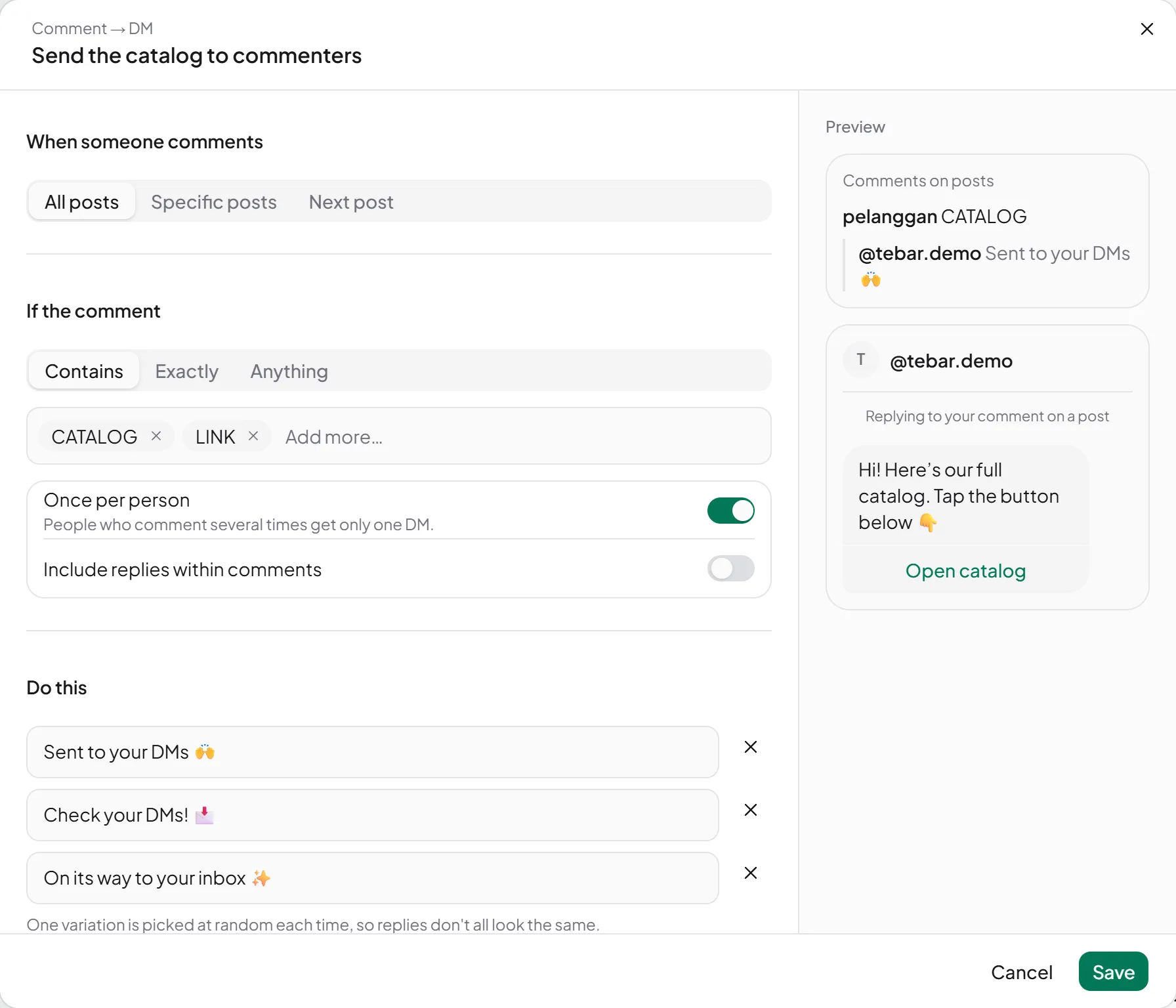
You write the rule like a sentence.
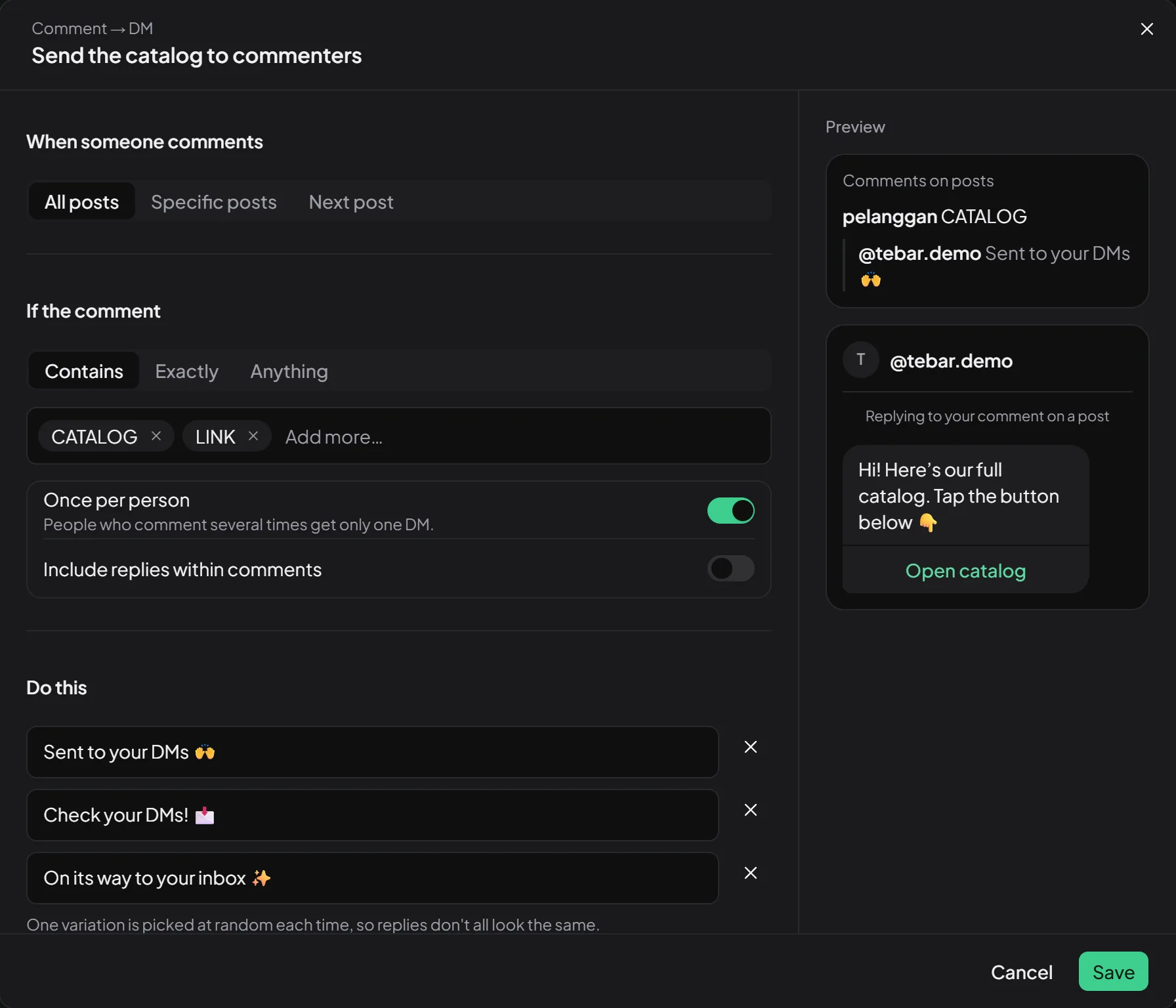
Pick when it runs, which words to wait for, and what to send. The editor shows a preview of the DM beside it, exactly as your followers will read it.
When someone comments on any post with CATALOG or LINK,reply under it and send a DM with a link button.
Not just comments.
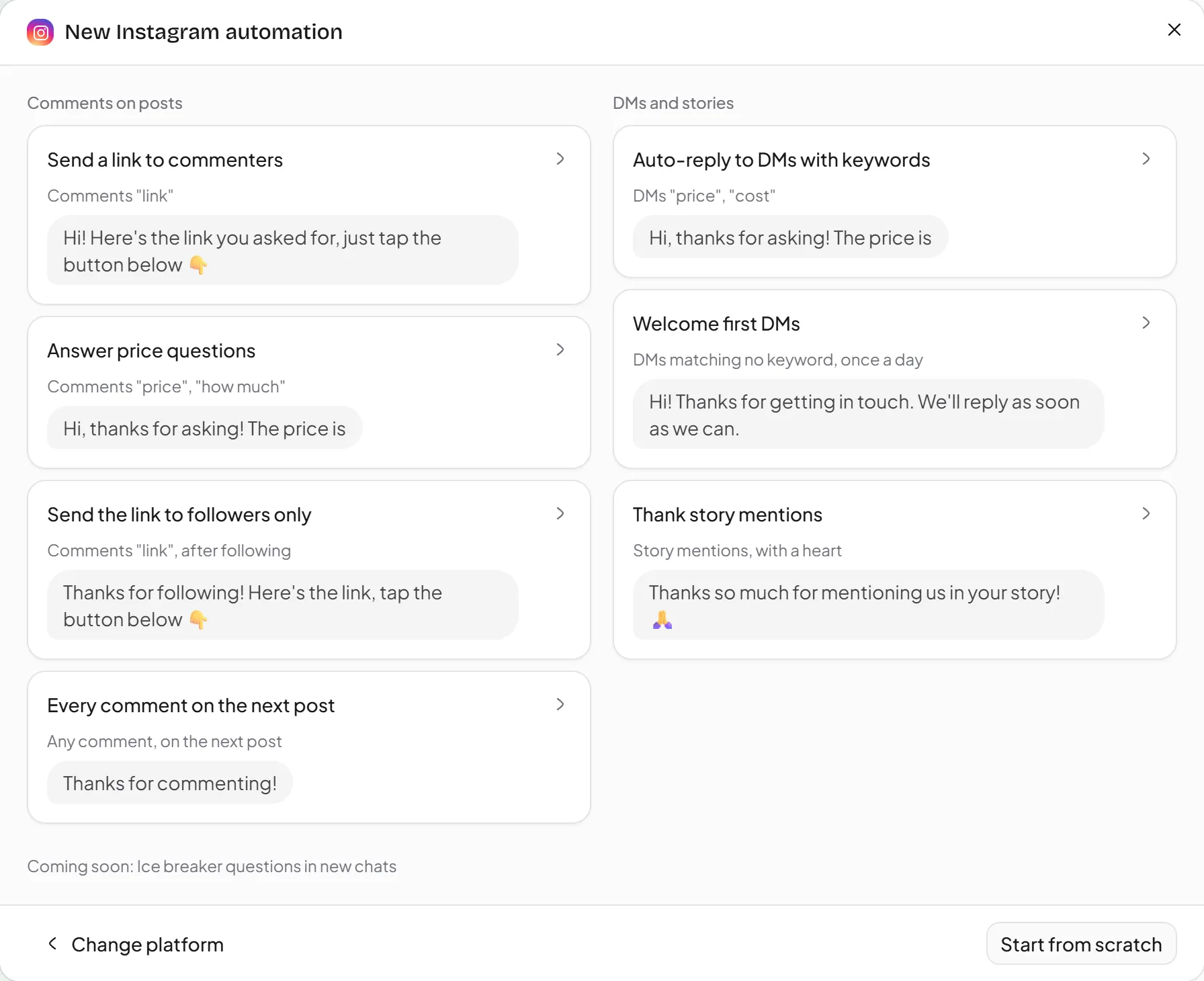
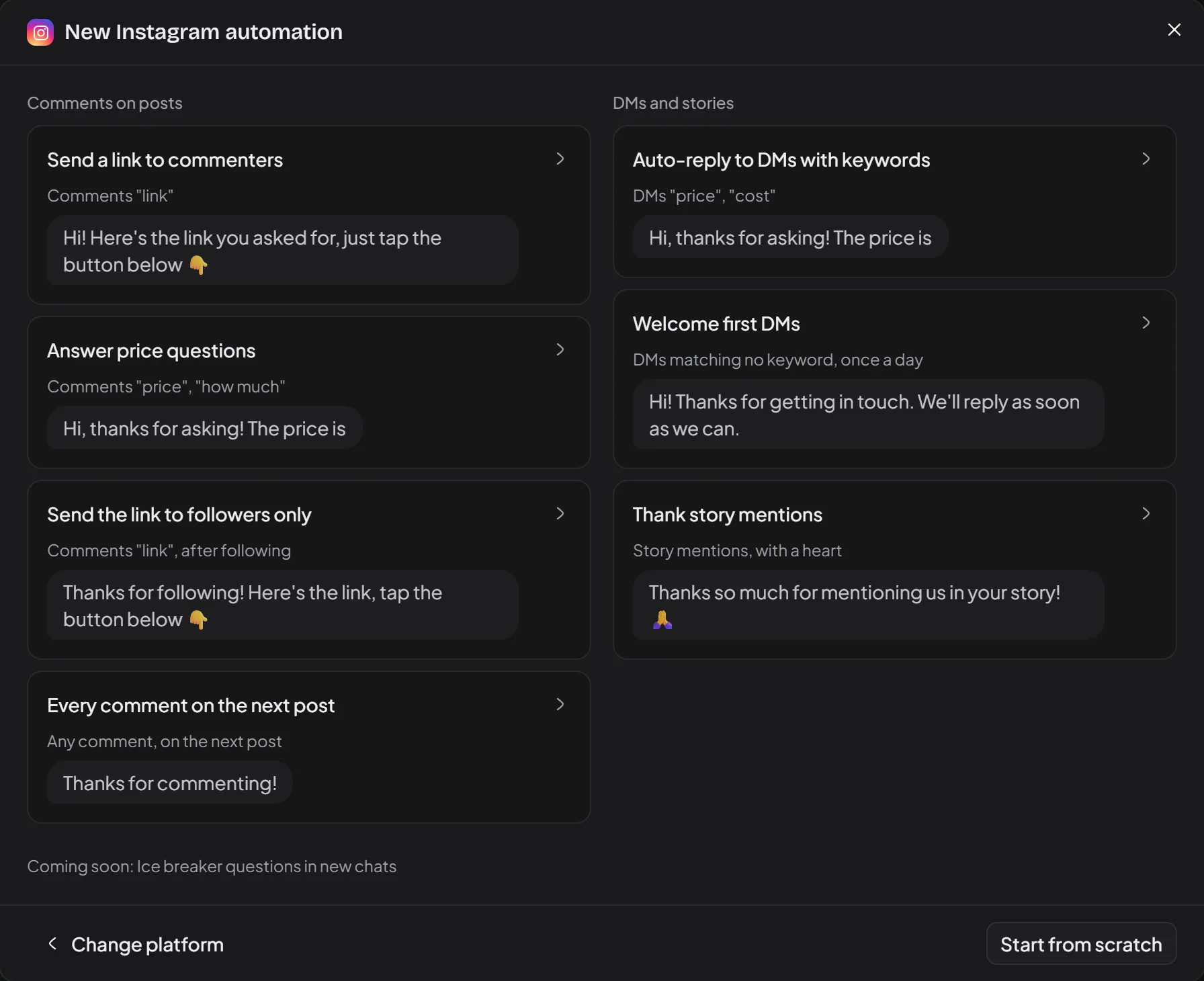
Instagram has five triggers and Threads has one. Each comes with a template, so you only change the text.
Comment → DM
"Comment CATALOG and I’ll DM it to you." The classic, and still the one people use most.
DMs with a keyword
Someone DMs "price" at 2 am? They still get an answer.
Story replies
Post a story saying "reply YES for the code", and everyone who replies gets it.
Story mentions
People who tag you in their story get a thank-you. Add a discount code if you like.
Automatic DM reply
For DMs no other rule matches. The same person gets it at most once an hour, a day, or a week, your call.
Threads comment replies
The Threads API can’t send DMs yet, so Tebar replies under the comment. You write 3 to 5 variations so the replies don’t all look the same.
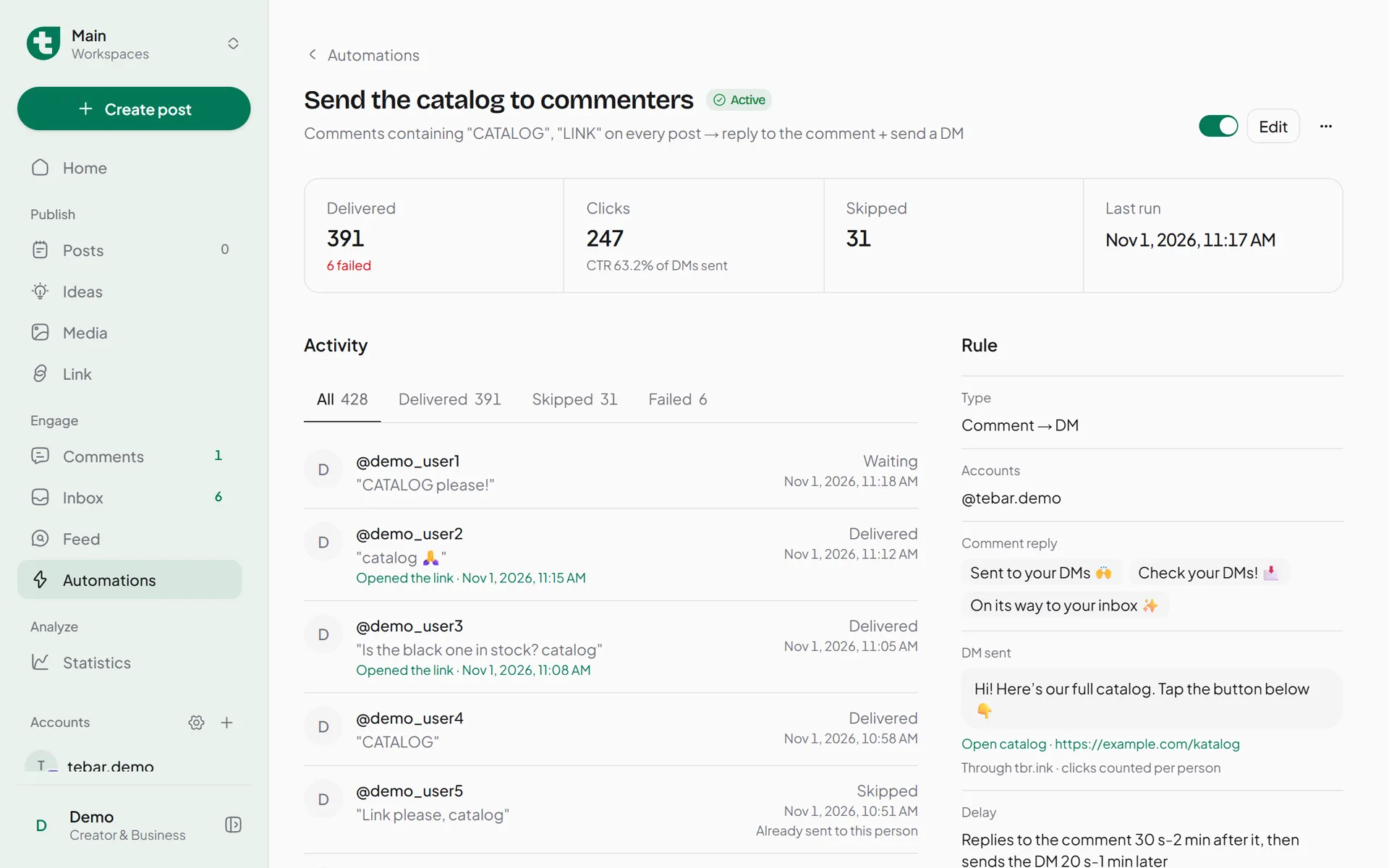
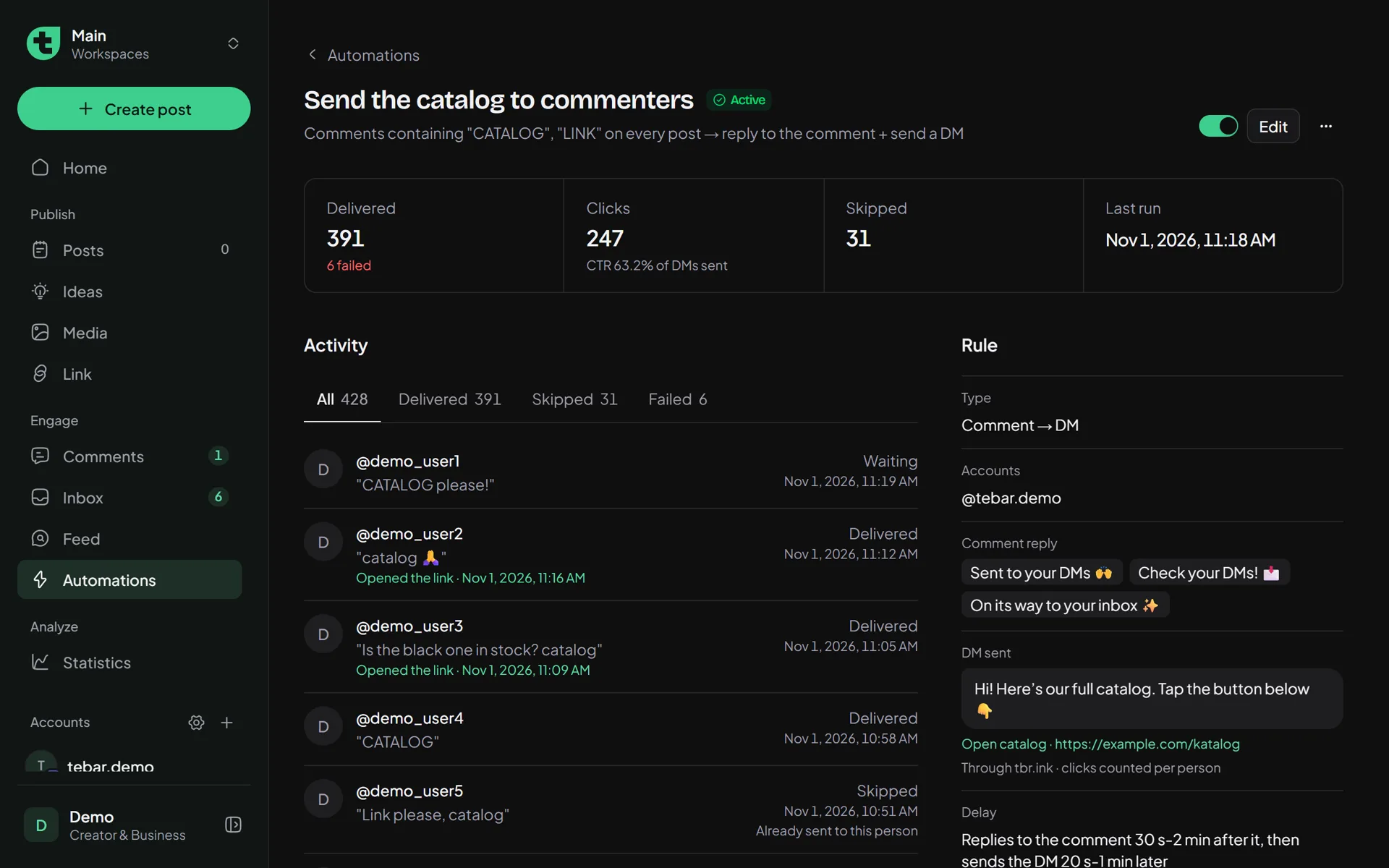
You can see who opened the link.
Link buttons in the DM go through tbr.ink, and each person gets their own link. Someone who taps it five times still counts once, and link preview bots don’t count. The CTR is in your automation list, the names are in Activity.
Want the link? Follow first.
Turn on Follow first, and commenters get a follow request with one button. When they tap it, Tebar checks with Instagram. If they follow, the link goes out right away. If not, they’re asked again.
demo_user5 commented "PROMO"
Follow us first, then tap the button below and we’ll send the promo code 🎁
I followed
I followed
Thanks for following! Your 20% off code: DEMO20
Shop now
If they reply, carry on in Inbox.
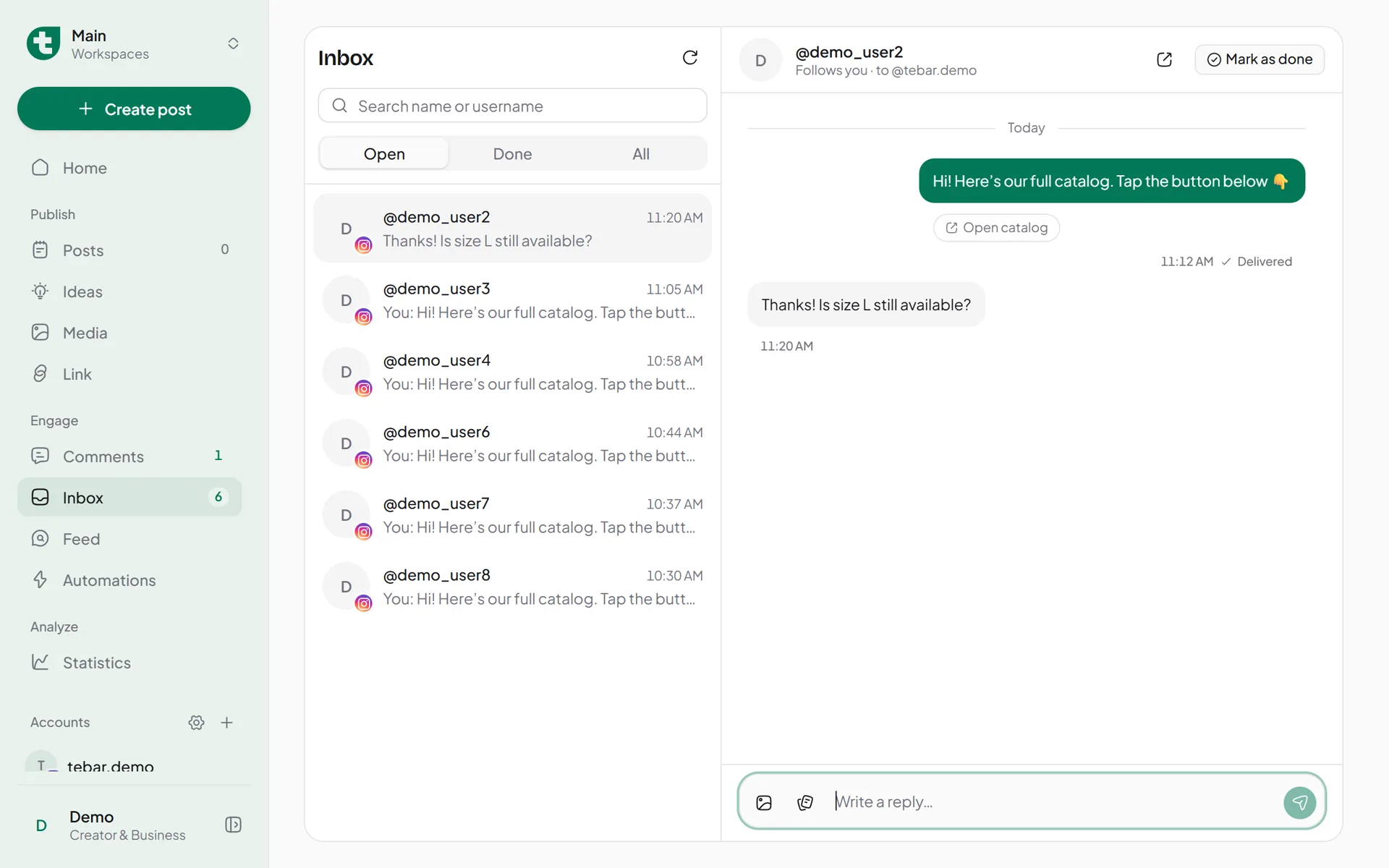
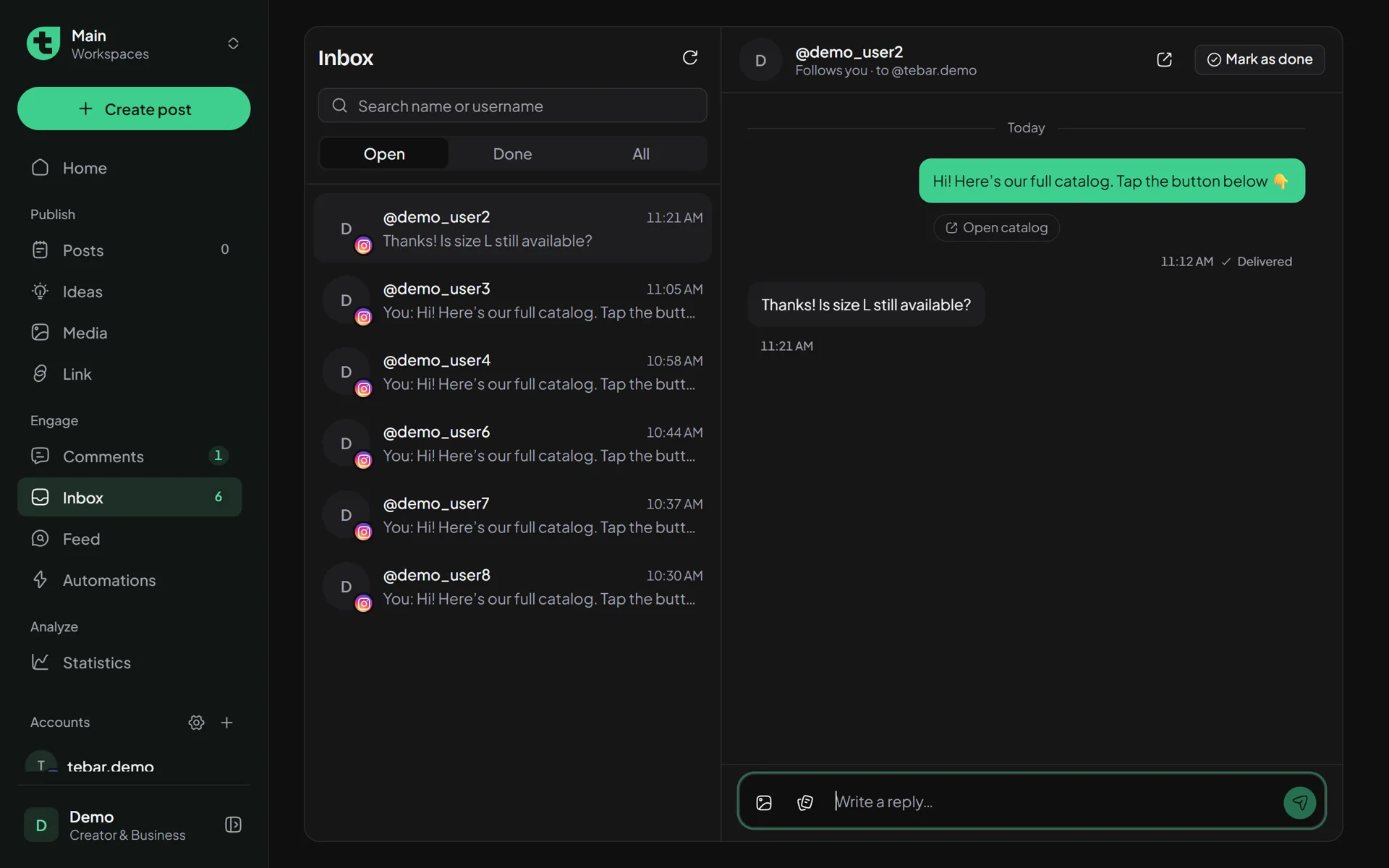
DMs from automations land in the Tebar Inbox like any other DM. A follow-up like "is size L still in stock?" can be answered from your laptop.
So it doesn’t look like a bot, Tebar waits a bit.
A reply a second after a comment looks suspicious, to people and to Instagram. Tebar waits a random moment before replying, then again before the DM. New automations start on Natural.
Fast5-30 seconds, the DM right after
Natural30 seconds-2 minutes, the DM 20-60 seconds later
Relaxed2-8 minutes, the DM 1-3 minutes later
030 s2 min5 min8 min
Or set your own, up to an hour.
Limits from Instagram
1 DM
per comment. Once they reply, the conversation can go on in Inbox.
7 days
Comments older than this can no longer be answered by DM.
24 hours
To answer a DM, story reply, or mention after it arrives.
600/hour
Automated DMs per account. Tebar stops below Instagram’s own limit on purpose.
Comments and DMs from before an automation is turned on are never answered. Tebar uses Instagram’s official API and login, so we never store your password.
Or just ask in a chat.
If Claude or ChatGPT is connected to Tebar, type what you want.
Create an automation: anyone who comments PRICE on my next post gets a DM with the price list, relaxed delay.
Done. The "Send the price list" automation is on for @tebar.demo. Anyone who comments PRICE on your next post gets the DM 2-8 minutes later.
Questions about DM Automation
Does it work with a personal Instagram account?
Not yet. Instagram only opens its DM API to Business and Creator accounts. Switching to Creator is free in Instagram’s settings. If your account was connected to Tebar before the Inbox existed, reconnect it so the message permission comes along.
Which plan do I need?
Starter, Basic, or Pro. New sign-ups get a 14-day Pro trial, and automations work during it. There’s no cap on automations or DMs. If your plan goes back to Free, automations pause until a plan is active again.
Are old comments answered?
No. Only comments and DMs that arrive after the automation is turned on. Turn it on before the post takes off.
Can it work on one post only?
Yes. Choose Specific posts, Next post (the first post published after you turn it on), or All posts. When you make an Instagram post in Tebar, the Comment → DM chip sets one up for that post.
Why did some DMs fail?
Usually the person refuses DMs in their privacy settings, their account is restricted, or they blocked you. Each automation’s History says which.
Is there an API?
Yes: the REST API at /v1/automations and the MCP tools. An automation.run webhook goes out each time an automation finishes a run.