You have seen captions like this: “Comment LINK and I’ll DM you the link.” It works. Comments go up, and the people who are really interested get the link straight away. The catch: when hundreds of people comment, answering every DM by hand can take all day.
With Automations in Tebar, those DMs send themselves. Here is how to set one up.
Before you start
- The Instagram account must be Business or Creator, and connected to Tebar.
- Automations are on the Starter, Basic, Pro, and Agency plans, trial included.
- Only comments that arrive after the automation is turned on get a reply. Older comments do not.
Step 1: pick a template
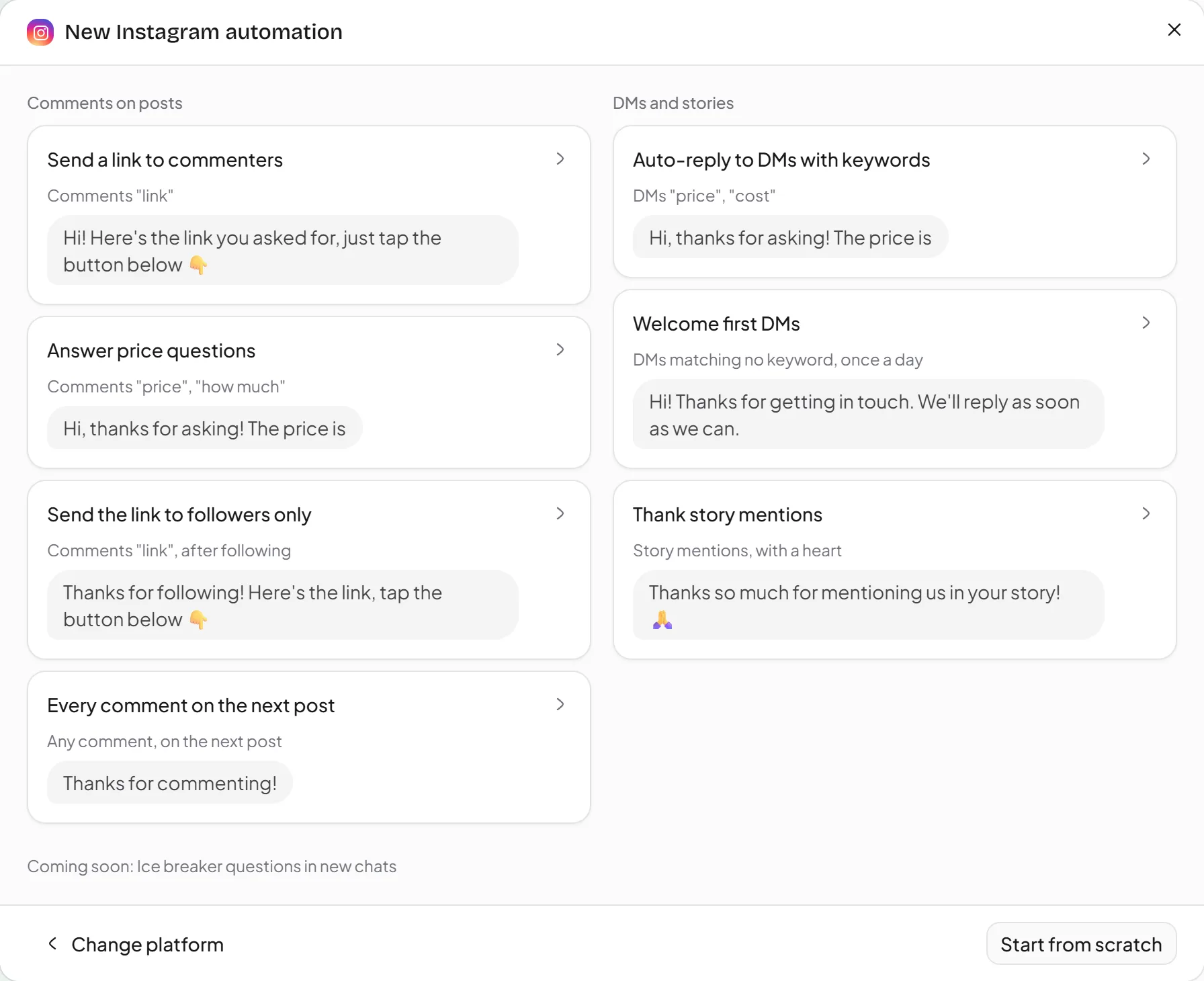
Open Automations, click Create automation, and pick the Send a link to commenters template. It already has an Open link button in the DM; you just fill it in.
Step 2: choose when it runs
Under When someone comments, choose the post:
- All posts, for a link that works everywhere.
- Specific posts, picked from your list of posts.
- Next post, the first post published after you turn the automation on. Handy when you want it ready before the post goes live.
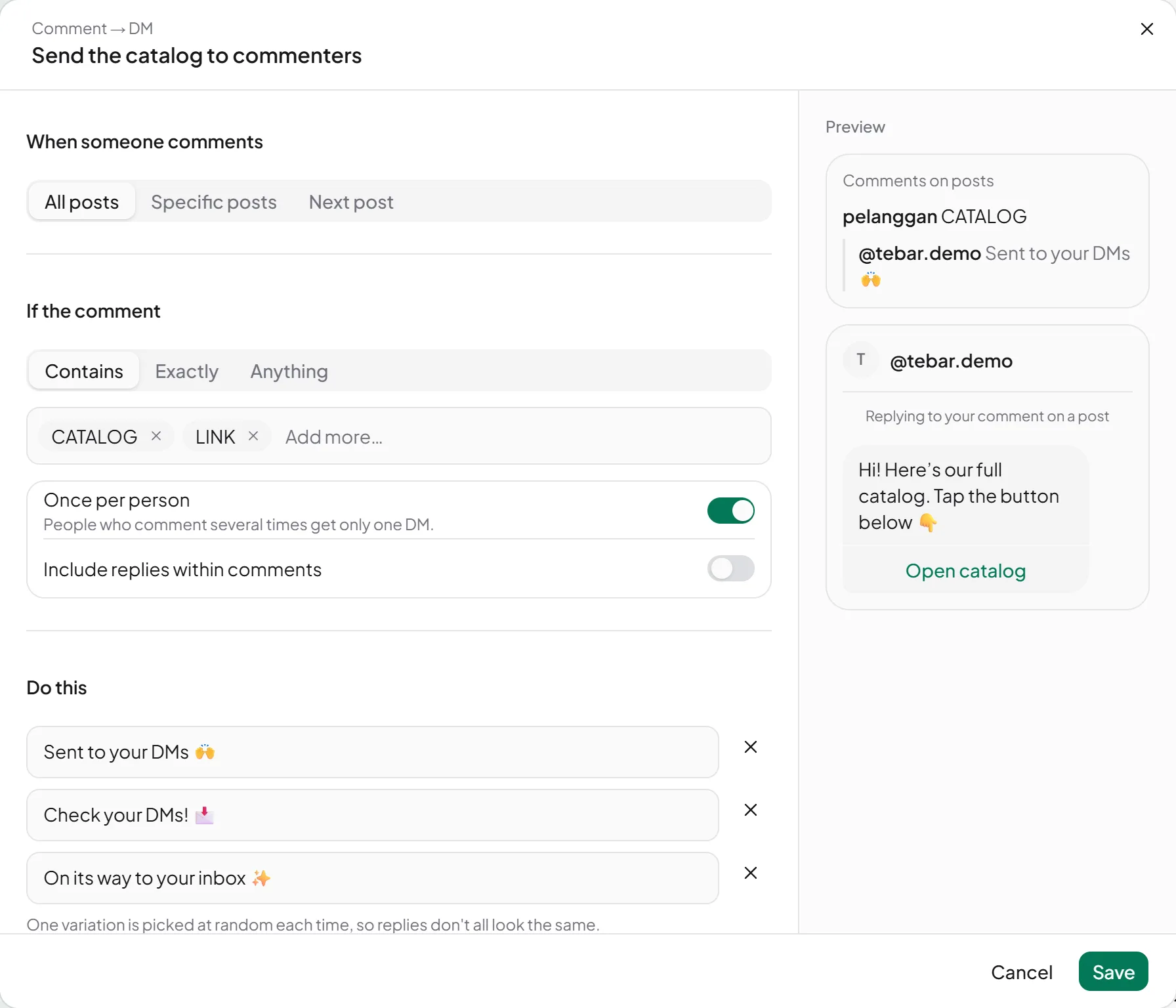
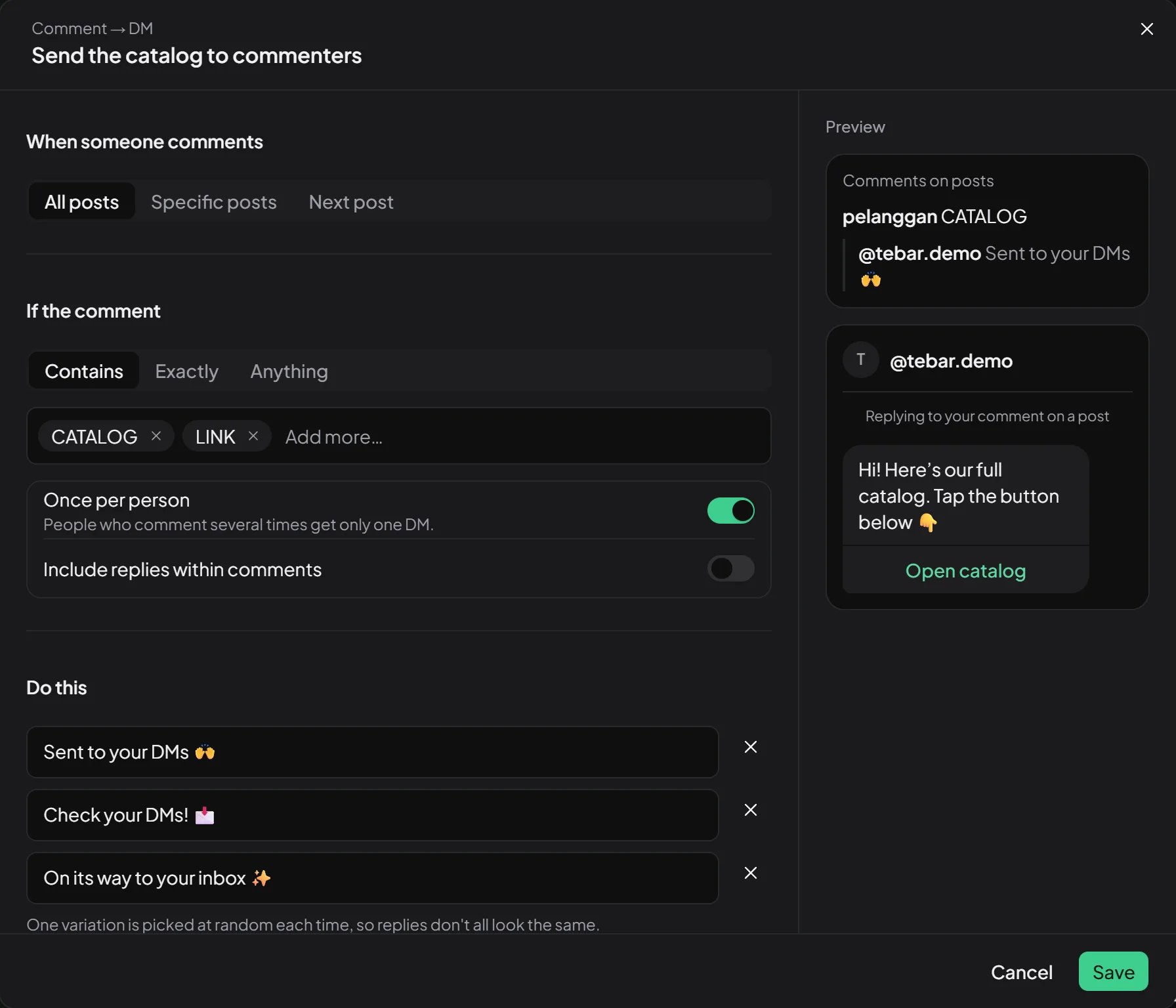
Then under If the comment, pick Contains and type the keyword, say LINK. Upper and lower case are the same, so “link” and “Link” count too. Leave Once per person on, so someone who comments several times gets one DM.
Step 3: write the DM
Under Do this, write the DM and put the destination in its button. You can add up to 3 link buttons, with titles of up to 20 characters.
Turn on Also reply to the comment too, and write a few versions, like “Sent it to your DMs!” and “Check your DMs 🙌”. Tebar picks one at random each time, so the replies do not look copy-pasted.
Step 4: set the delay
A reply that shows up one second after a comment feels like a bot. So Tebar waits a random moment before replying:
| Option | Before replying | DM sent |
|---|---|---|
| Fast | 5-30 seconds | right after the reply |
| Natural | 30 seconds-2 minutes | 20-60 seconds after the reply |
| Relaxed | 2-8 minutes | 1-3 minutes after the reply |
New automations use Natural, a safe choice for most accounts.
Step 5: save and turn it on
Click Save and turn on. That is it! Test it by commenting from another account, then check the DM.
Want the link for followers only?
Turn on Follow first, or use the Send the link to followers only template. Commenters first get an invitation to follow with one button. When they tap it, Tebar checks with Instagram: followers get the link right away, the others are asked to follow again.
See how it does
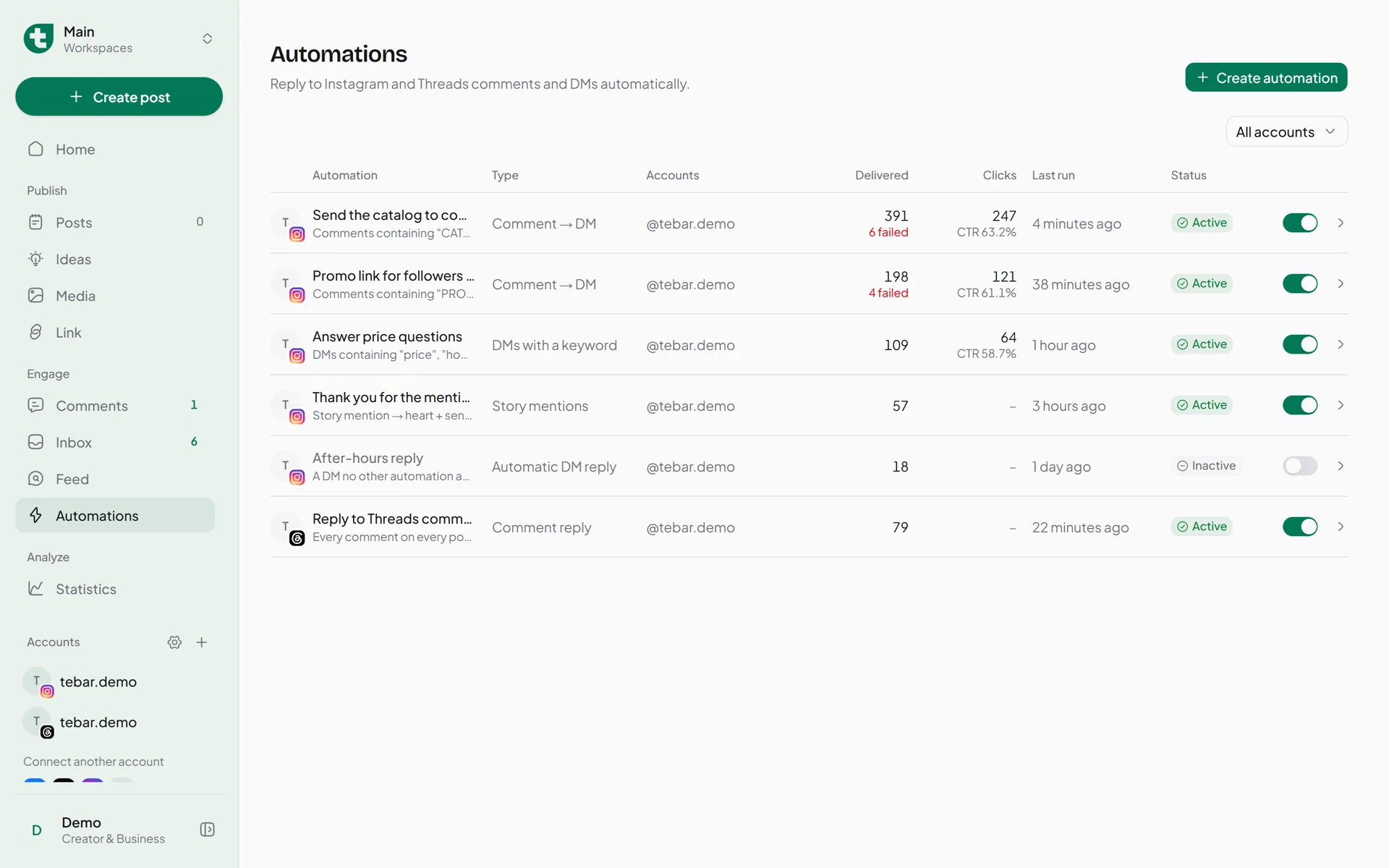
The automation list shows how many DMs were Delivered and how many people opened the link button (Clicks). It counts people, not taps: someone who opens the link several times counts once.
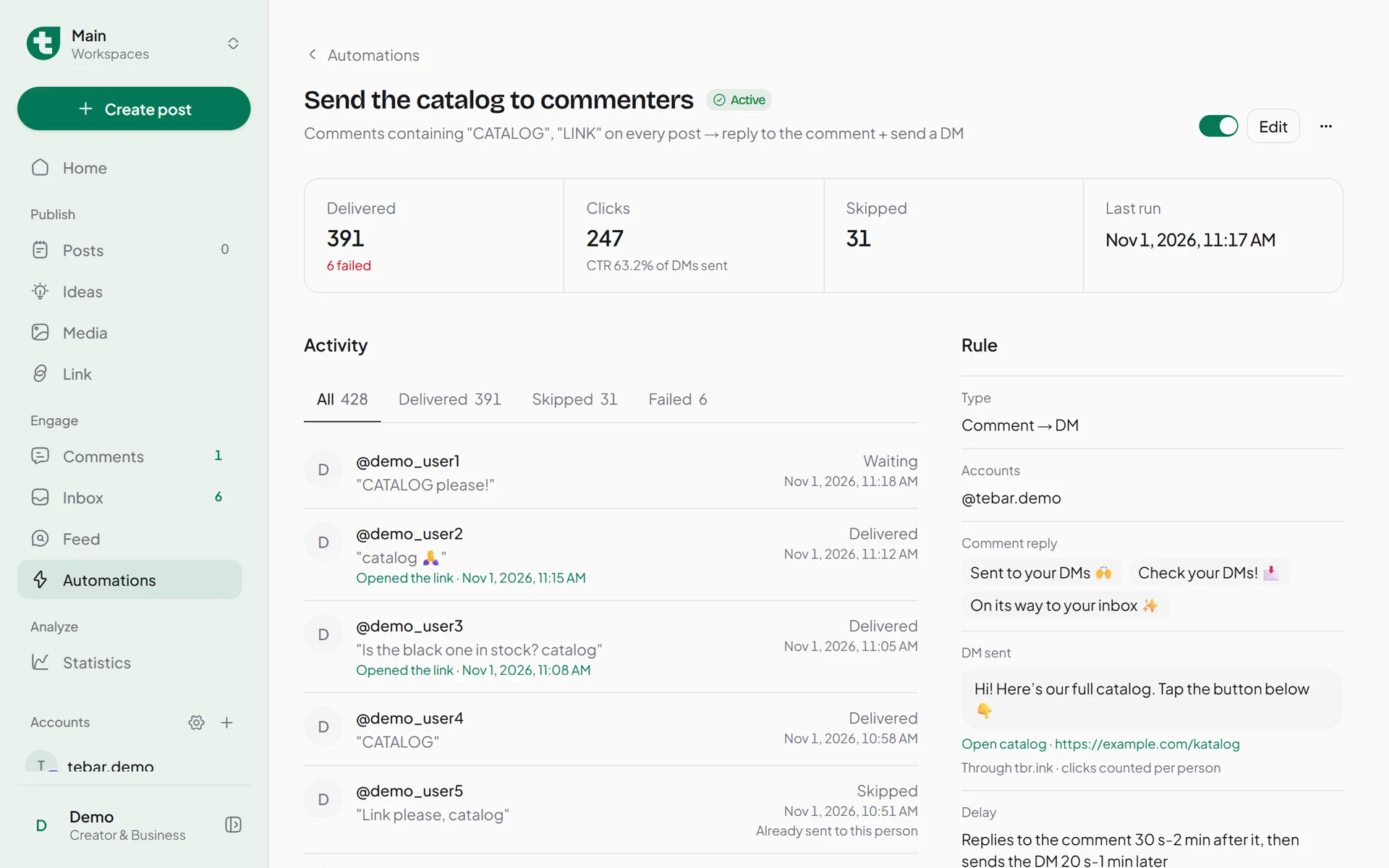
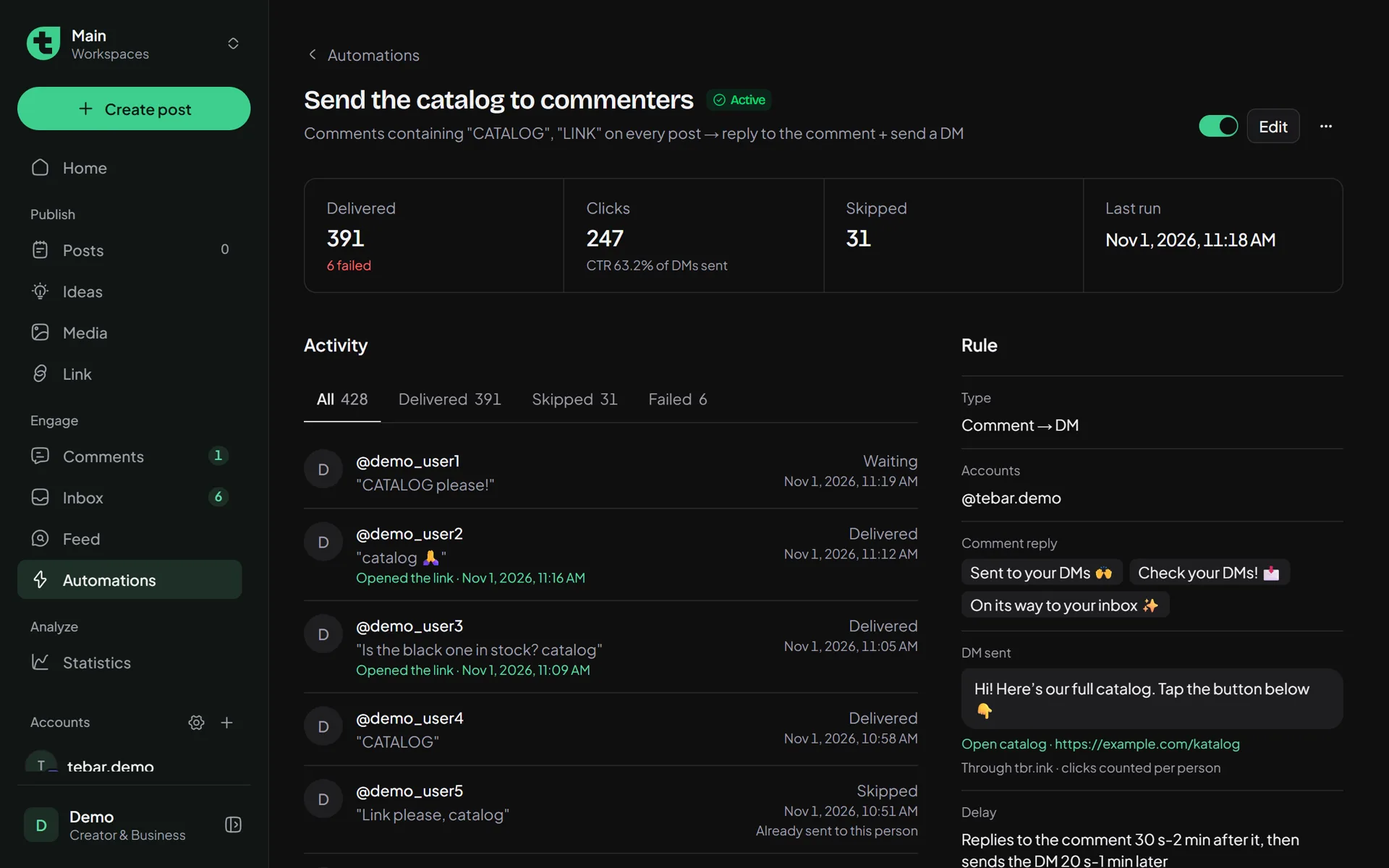
If a DM did not go out, the History tab tells you why, for example the person already got one, or their privacy settings refuse DMs.
Instagram’s rules to know
- One comment can get only one DM. If the person replies, the conversation carries on in Tebar’s Inbox.
- DMs can only be sent for comments less than 7 days old.
- Tebar sends at most 600 automatic DMs an hour per account, below Instagram’s limit.